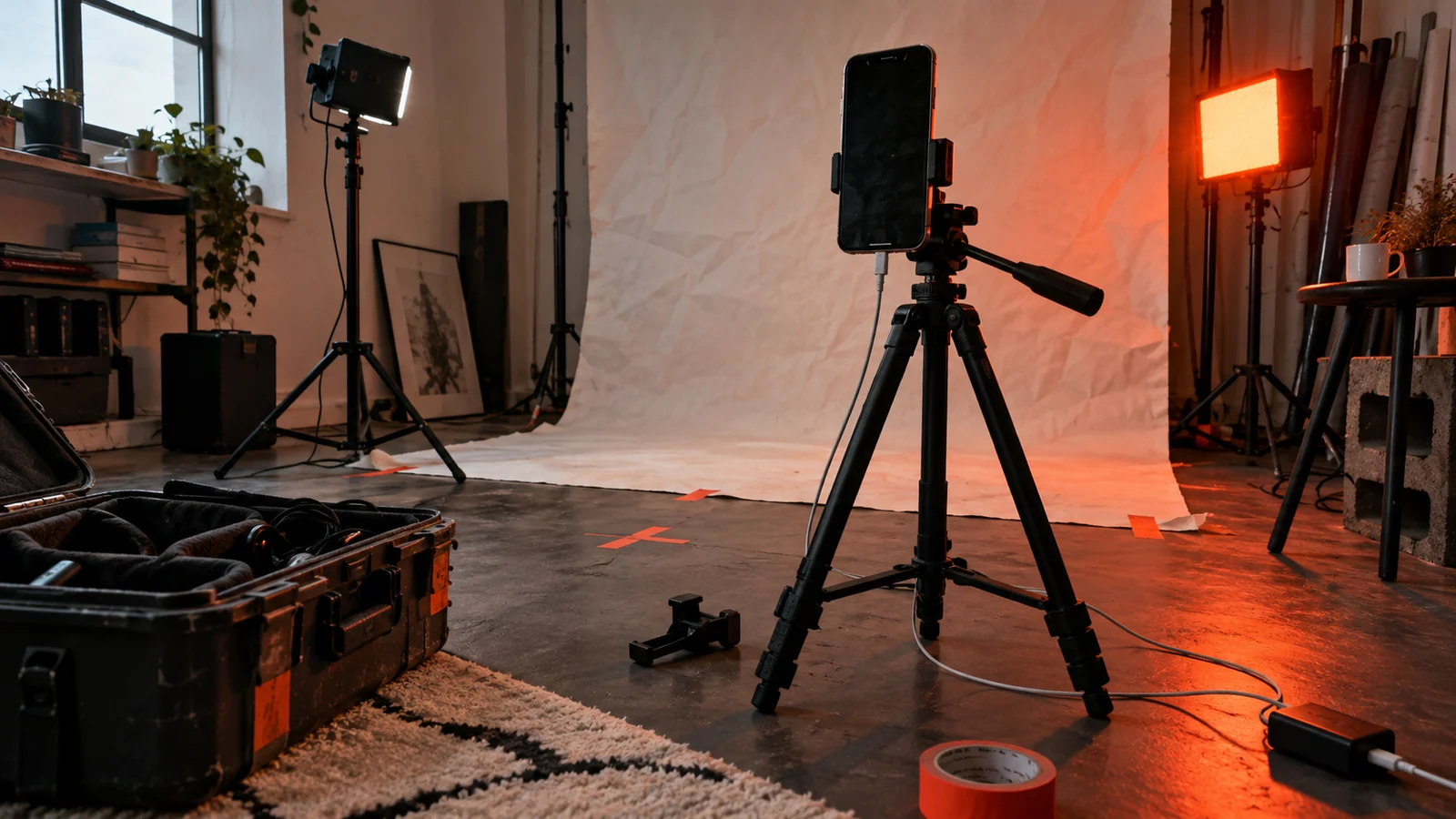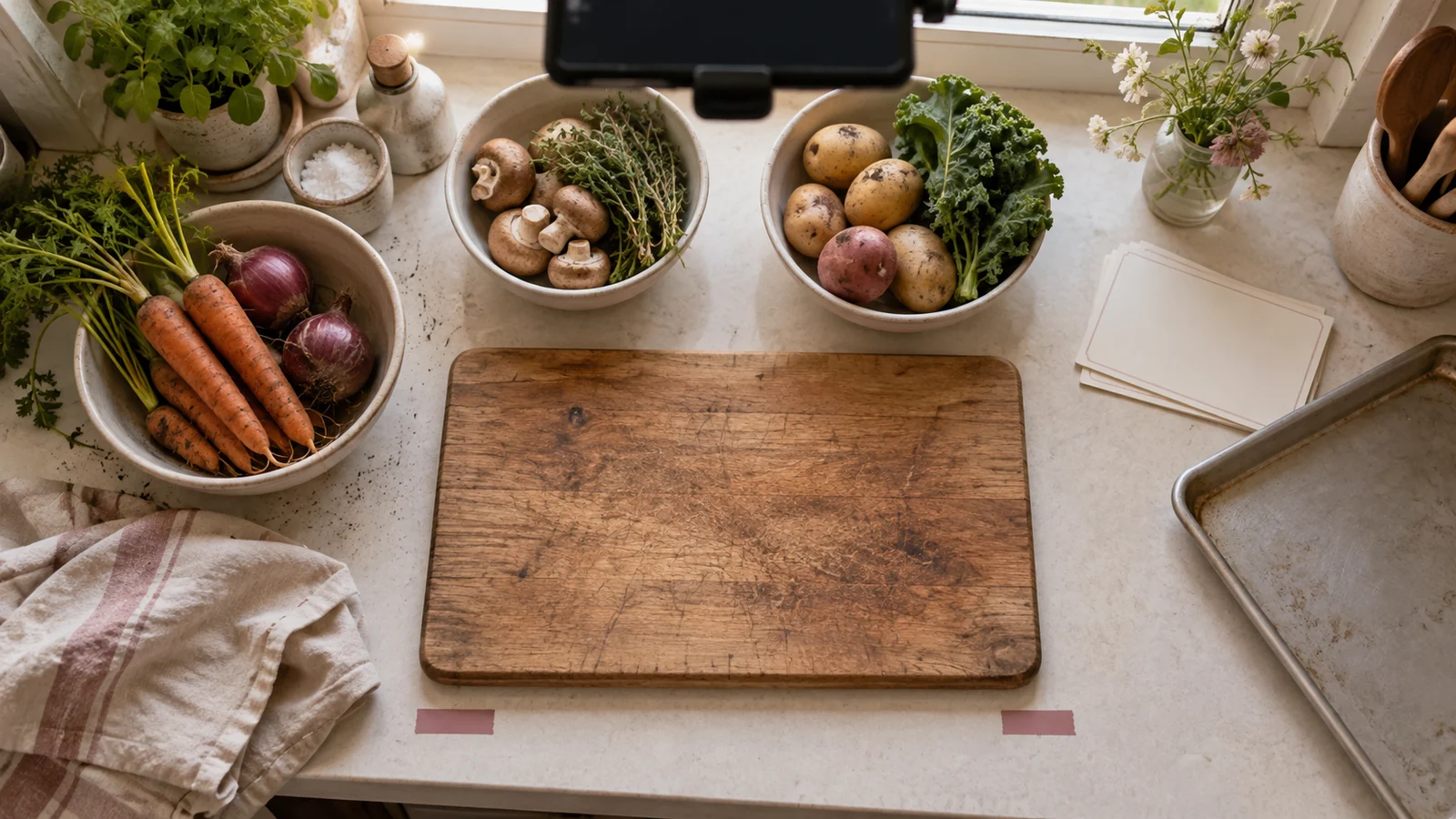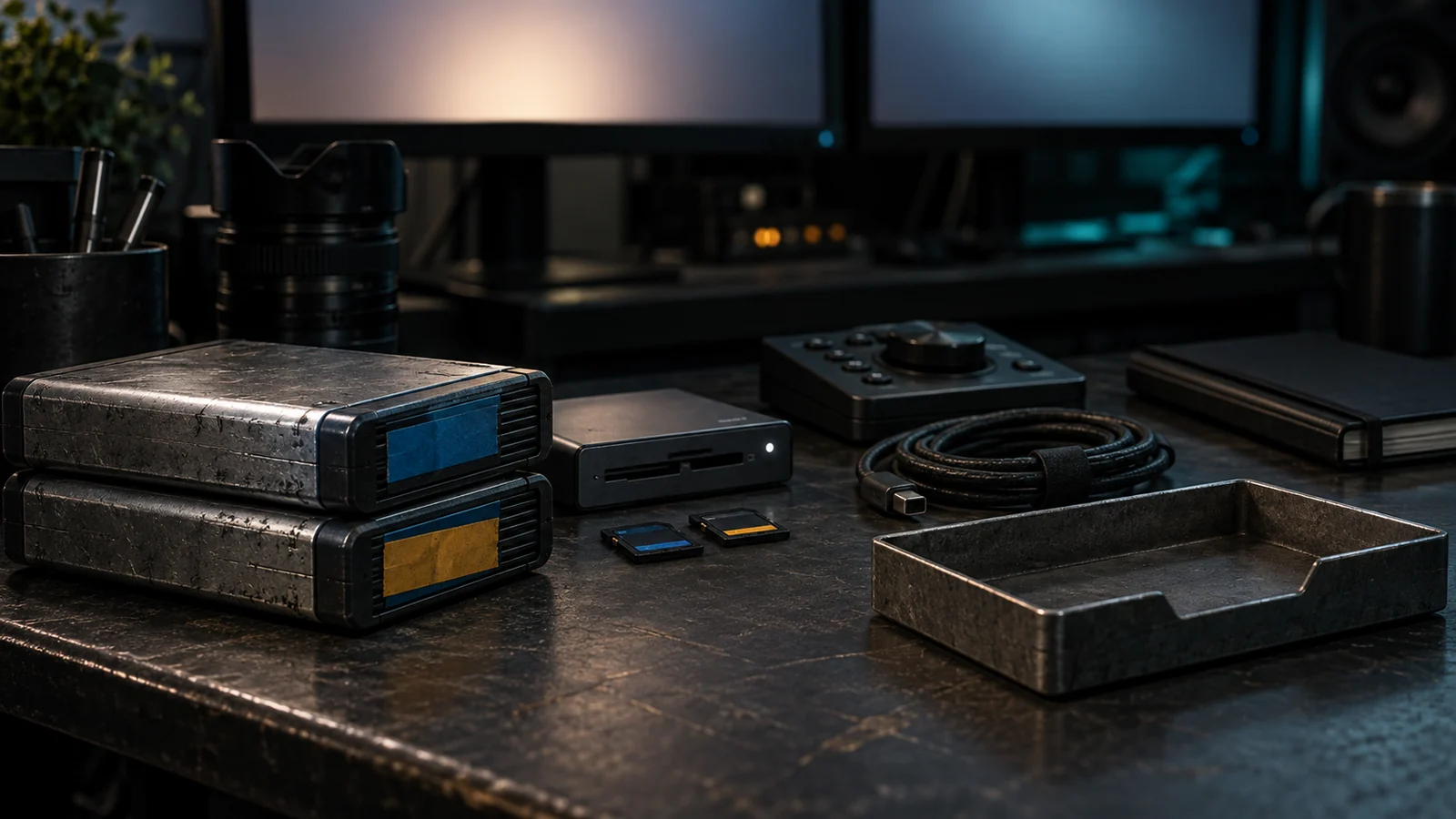
A short-form shot list is a continuity system, not a pile of angles. It tells the crew what the viewer must understand, what action proves it, how the shot will cut to the next one, and what must be checked before leaving the location. A useful list can fit on one page, but it should still protect story order, sound, accessibility, consent, safety, and rights.
This guide is for creators and small crews making tutorials, demonstrations, explainers, reviews, or event clips. It avoids promises about reach or retention. A shot list cannot manufacture an audience response; it can reduce gaps in evidence and continuity.
Write the brief before naming shots
Start with one viewer outcome: “The viewer can follow the three steps,” “The viewer can identify the garment and its fit,” or “The viewer knows what changed and why.” Name the destination, aspect ratio, duration, commercial context, and required information. Separate the hook from the proof. The action, product detail, result, or explanation still needs a readable shot.
List constraints that affect capture:
- who is on camera and who has consent;
- location access, noise, light, weather, and safe movement space;
- product, props, logos, third-party material, and music permissions;
- captions, disclosure, audio description, or text alternatives needed;
- delivery versions, crop requirements, and the deadline for a pickup.
Then number the shots in story order, not in the order they happen on set. Add a column for the location or setup so you can group production without losing the edit sequence.
A working short-form shot list
Use this as a starting structure. Replace the examples with the actual proof your brief requires.
| # | Shot and purpose | Action / framing | Continuity and evidence check |
|---|---|---|---|
| 1 | Hook or question | One clear visual or spoken question; medium or close frame. | Capture a clean take with no music and a version with room tone. |
| 2 | Establishing context | Wide or three-quarter view of person, place, or object. | Record orientation, light direction, and the starting state. |
| 3 | Inputs | Product, tools, ingredients, garment, or screen shown clearly. | Hold labels long enough to identify; record model, variant, or version. |
| 4 | Action wide | The complete action in a stable frame. | Confirm geography and sequence; avoid a cut that removes a safety step. |
| 5 | Action detail | Hands, control, texture, or movement close-up. | Match hand, tool, orientation, and state with the wide take. |
| 6 | Explanation or voice | Presenter delivers the essential instruction. | Record a clean audio take and a pause for description or captions. |
| 7 | Natural sound | Tap, click, pour, fabric movement, or location sound. | Capture room tone and a few seconds before and after the action. |
| 8 | Result / comparison | The outcome in the same useful framing as the start. | State elapsed time, reset, styling, or other intervention. |
| 9 | Proof detail | A feature the viewer needs to inspect. | Hold steady; do not claim more than the frame demonstrates. |
| 10 | Closing / next step | Recap, instruction, disclosure, or call to action. | Check text, consent, links, and commercial disclosure in the final crop. |
Not every video needs ten shots. The point is to cover context, action, proof, and handoff. If one take covers multiple purposes, mark the exact timecode in the notes rather than assuming you will find it later.
Capture for the edit, not only for the thumbnail
Shoot the establishing frame before the setup changes. Record a few seconds of stillness at the head and tail of every take; those handles give an editor room to cut without creating a jump. Keep a slate or voice note with scene, shot, take, and any change from the brief. For a phone-only crew, a written take number beside the camera is enough if it is consistent.
Lock what should not drift: camera height, lens or field of view, focus, exposure, white balance, subject marks, prop placement, and screen orientation. If a variable must change, write it in the shot notes. A close-up filmed from the opposite side can reverse movement and make an action appear to happen in the wrong order. Capture a clean reference of the set before moving anything.
Record the action in a wide shot before collecting inserts. The wide establishes geography and protects the edit if a detail shot is incomplete. Then repeat the action for the detail. Do not ask an actor to perform a risky action repeatedly for coverage; redesign the shot or use a safe insert.
Plan continuity with simple match points
For every transition, write a match point: hand enters from the right, cup reaches the mark, door closes, cap clicks, or subject looks toward the window. The next shot should begin at that point. If the cut is intentionally discontinuous, label it as a time jump, reset, or new location.
Track state in plain language: unopened/open, dry/wet, full/empty, clean/used, before/after, or screen A/screen B. Photograph props and wardrobe between setups. Check logos, jewelry, hair, sleeves, liquid level, and shadows. Continuity is not about making a performance artificial; it is about preventing an accidental change from being mistaken for the result.
Use inserts for information, not decoration alone. A label, button, texture, map, ingredient, or interface control should be visible long enough to inspect and described in speech or text if it carries essential meaning. Do not cut away from a safety instruction or a transformation step simply to accelerate the rhythm.
Record usable sound and accessibility information
Record the main explanation close to the speaker and capture room tone at every location. Get a clean take of key sound effects—tap, zip, pour, or tool contact—without music. Natural sound can clarify an action, but it should not be required for a viewer to understand what happened.
Plan captions and visual description while writing the shot list. W3C guidance describes captions as synchronized text for speech and relevant non-speech audio, and recommends description of visual information needed to understand video. Add notes such as “hand covers lens,” “screen shows the settings menu,” or “before state: unopened package” where the visual carries the story. Keep text out of areas likely to be covered by platform controls, and check captions against the final crop.
If the video is a product endorsement, put the commercial disclosure into the shot list. The FTC advises that a disclosure be clear, hard to miss, and included in the video when the endorsement is made there—not hidden only in a description. Reserve a readable frame or spoken line for “Ad,” “Sponsored,” or an equivalent plain statement, and repeat it in the caption as appropriate.
Safety and consent are shot requirements
Get permission from everyone identifiable on camera and agree on the intended channels, paid use, editing, and reuse. Obtain location permission where required. Do not film private information on screens, documents, or parcels unless it is cleared or obscured. If a participant is a child or otherwise vulnerable, apply the appropriate guardian and safeguarding process.
Walk the shot before recording. Remove trip hazards, stabilize stands, protect cables, and confirm that movement does not enter traffic, a roadway, a drop, or an unsafe surface. For heat, chemicals, tools, animals, vehicles, or physical exertion, follow the relevant instructions and use a qualified professional when the production requires one. A “one more take” is not a safety plan.
Do not stage a health result, dangerous stunt, or deceptive before-and-after. If a product causes discomfort, stop filming and follow its instructions; do not diagnose the reaction for content. If a claim depends on a test, record the conditions and avoid presenting a personal impression as universal evidence.
Organize the day around setups
Group shots by location, light, wardrobe, and sound rather than filming in final story order. Keep the story-order number in the margin so the editor can reconstruct the intended sequence. A compact setup block might read:
Kitchen / daylight / camera A: shots 2, 3, 4, 5, 7. Capture wide first, then hands detail, then room tone. Reset ingredients before shot 4B.
Presenter / quiet corner / lav mic: shots 1, 6, 10. Record clean voice, disclosure line, and alternate hook. Leave five seconds of silence.
At the end of each setup, mark each shot as good, needs pickup, or not captured. Verify focus and exposure on the difficult detail, not only the hero frame. Back up originals before leaving when the workflow allows it, and keep filenames tied to the shot number.
Review the assembled short
Review in two passes. In the meaning pass, ask whether a new viewer can answer the brief’s question without guessing. Is the action complete? Does the result arrive after the evidence? Are time jumps, resets, or interventions clear? In the mechanics pass, inspect the crop, captions, audio, rights, permissions, disclosure, export, and archive.
Test the destination version. YouTube describes Shorts as square or vertical videos up to three minutes; other destinations differ. Check the first and last frame, interface-safe text, playback with sound off, and music or third-party material.
Release gate
Publish only when the shot record confirms:
- the audience outcome and required proof are named;
- context, action, detail, result, and closing coverage are present;
- continuity marks and state changes are documented;
- consent, location permission, rights, safety, and commercial disclosure are complete;
- captions and visual description preserve essential information; and
- the final export was checked on its destination device and platform.
If a required shot is missing, narrow the claim, schedule a pickup, or remove the unsupported beat. A shorter piece with complete evidence is more useful than a fast montage that asks the viewer to invent the missing steps.
Sources and scope
- W3C WAI — Making Audio and Video Media Accessible — primary guidance on planning accessible media, captions, transcripts, and visual description; accessed 2026-09-15.
- W3C WAI — Description of Visual Information — primary guidance on conveying important visual information through integrated or alternative description; accessed 2026-09-15.
- YouTube Help — Upload YouTube Shorts — current official guidance on square/vertical Shorts uploads and copyright responsibility; accessed 2026-09-15.
- Federal Trade Commission — Disclosures 101 for Social Media Influencers — official guidance on clear, conspicuous endorsement disclosure in video; accessed 2026-09-15.
These sources support the accessibility, platform, copyright, and disclosure boundaries. The shot table, continuity method, safety prompts, and review gate are Angry Media editorial synthesis. This article is educational, not legal, medical, or production-safety advice. Source review completed 2026-09-15; scheduled publication 2026-11-04.