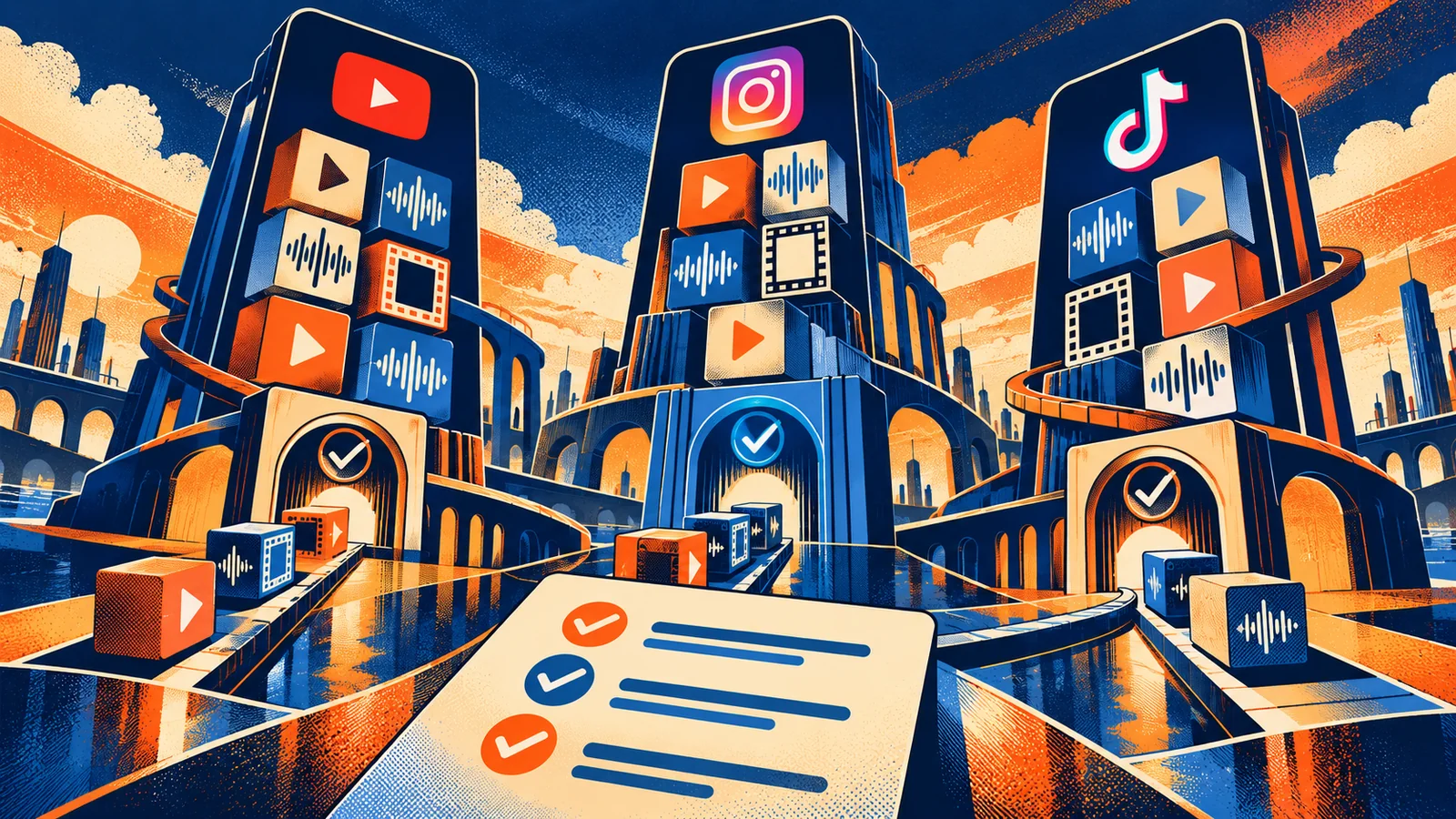
Reels, TikTok, and YouTube Shorts all support short vertical video, but they are not interchangeable publishing targets. Their creation tools, music permissions, paid placements, analytics labels, and account rules differ. The right choice depends on the job of the video and the rights you can clear—not on a universal ranking or a promise of reach.
This is a dated feature snapshot checked against official platform documentation on 2026-09-15. Interfaces, eligibility, regional availability, music catalogs, and policy pages can change without matching the date of your project. Recheck the linked source before a paid campaign, contractual delivery, or high-stakes launch.
Feature matrix at a glance
| Area | Instagram Reels / Meta | TikTok | YouTube Shorts |
|---|---|---|---|
| Core creation | Reels camera supports multi-clip recording, audio, effects, timer, align, speed, uploads, templates, and an editing screen for clips, audio, stickers, and text. | In-app recording/editing and commercial or general sound choices vary by account and region; ad creation has separate specifications and review. | Shorts camera and upload tools support vertical or square video, multi-segment capture, music, filters, and effects. |
| Current documented duration | Varies by surface, account, and current Help/Ads settings; confirm in the composer and current ad guide. | Organic and ad limits are not one universal number; TikTok Ads documentation currently gives up to 10 minutes for several in-feed ad formats, while account tools may differ. | Square or vertical uploads up to three minutes are categorized as Shorts under the current standard-channel rule. |
| Audio / rights | Licensed music access depends on account and region; Meta’s Sound Collection is an option for eligible uses, and Reels ads may use Sound Collection or approved ad audio. | Commercial content should use the Commercial Music Library or music with separate written clearance; personal-account sounds are not automatically commercial rights. | Shorts Audio Library and YouTube Audio Library have platform-specific terms; third-party claims can affect availability and monetization. |
| Paid use | Reels can be selected in Meta Ads Manager, including use of an existing Reel or partnership content where eligible. | Spark and Non-Spark ads have different controls and specifications; paid assets go through ad review. | Shorts are part of YouTube’s Shorts feed and monetization policies; advertising and copyright rules remain separate from organic creation tools. |
| Analytics language | Meta provides Reels insights and has documented total watch time and average watch time; available metrics depend on surface/account. | TikTok analytics and Ads Manager reports differ between organic and paid delivery. | YouTube distinguishes views from “Engaged views” for Shorts and exposes retention/watch-time reports in Analytics. |
| Accessibility work | Build captions, readable safe-zone text, and sound-off comprehension into the asset; platform tools and crops can vary. | Use captions/text that survive ad captions and UI overlays; check safe zones for the selected ad format. | Use captions and, when visual information is essential, descriptive narration or transcript; test in the Shorts player. |
The matrix is a planning aid, not a promise that every account sees every feature. Platform metrics use different definitions and are not automatically comparable.
Instagram Reels and Meta placements
Meta documentation describes multi-clip recording, music-library audio, original-audio attribution, effects, timer, align, speed controls, uploads, unified editing, and Reels insights including total and average watch time.
For paid work, Meta’s Reels advertising guidance says Reels placements are selected through Ads Manager and that creators can promote an existing Reel or eligible partnership content. It also refers to 9:16 creative, audio, and safe-zone placement for ads. Treat those as ad-creative requirements and workflow guidance, not evidence that one format will outperform another campaign. Keep key text and disclosure away from interface controls, then use the current safe-zone checker or ad preview.
Audio is a rights decision. Instagram’s Help Center says accounts without access to the licensed music library may be able to use Meta’s Sound Collection, described as royalty-free for Reels and Stories within its terms. A track available in an organic composer is not automatically cleared for a paid ad, client download, or cross-platform export. If the same master is going to TikTok or YouTube, use original music or a license that covers all destinations.
TikTok
TikTok separates organic creation, Business-account commercial sounds, and advertising formats. Its Commercial Music Library guidance says businesses can select sounds, filter by region, placement, theme, genre, mood, and duration, and use them for organic or paid content within the library’s scope. A personal-account sound is not a cross-platform commercial license.
For ads, TikTok’s current In-Feed documentation distinguishes Spark and Non-Spark delivery. Non-Spark specifications list vertical 9:16, accepted formats, duration and safe-zone requirements; Spark Ads use an existing organic post and retain its display name and text. Read the exact format page for the selected objective.
TikTok’s ad review and creative policy can reject a file for duration, landing-page, audio, disclosure, or policy reasons even if the organic version played normally. Keep a platform-neutral master without a TikTok watermark, then add platform-native sound, captions, or stickers only in the destination workflow when their rights and appearance are understood.
YouTube Shorts
YouTube’s Shorts documentation says standard channels can upload square or vertical videos up to three minutes, and Shorts tools support music, filters, effects, and multi-segment capture. YouTube also changed its Shorts view definition in 2025: views count starts or replays, while “Engaged views” remains available. Do not compare a Shorts count directly with an older report or another platform without documenting definitions and dates.
Music is especially important for one- to three-minute Shorts. YouTube’s current three-minute Shorts guidance describes limits on how long many library songs can be used and points creators to the Shorts Audio Library and YouTube Audio Library. It also warns that active copyright claims can affect longer Shorts; the exact treatment has changed across updates and may vary by claim type and date. Check the current page at upload rather than relying on a remembered rule.
YouTube Analytics provides engaged views, watch time, average view duration, and retention reports. Use them to answer a defined question, not to call one platform “best.”
Upload, editing, and rights workflow
Create a neutral master with the cleanest approved picture, dialogue, captions, and original audio. Record the source frame rate, resolution, color, aspect ratio, music license, and intended destinations. Export platform-specific copies only after checking each destination’s current requirements.
Use a matrix like this in the project record:
| Decision | Instagram / Meta | TikTok | YouTube Shorts |
|---|---|---|---|
| Organic or paid? | Mark Reel, boosted Reel, partnership, or ad. | Mark organic, Spark, or Non-Spark. | Mark organic Short or paid campaign asset. |
| Audio source | Licensed library, Sound Collection, or cleared original. | Commercial Music Library or written multi-platform license. | Shorts/Audio Library or cleared original. |
| Text and captions | Check Reel/ad safe zone and sound-off reading. | Check UI/ad caption safe zone and account type. | Check Shorts player crop, captions, and transcript. |
| Rights record | Save account/region and Meta terms or license. | Save region, placement, CML record, or license. | Save library track, claim status, and license. |
| Analytics note | Record available watch-time definitions. | Separate organic and paid reports. | Record views versus Engaged views and date. |
Keep a caption file or transcript outside the app. W3C’s media guidance recommends captions for speech and relevant non-speech audio and description of visual information needed to understand the video. A platform’s automatic captions are a draft, not a final accessibility review. Check names, prices, URLs, disclosures, and on-screen text manually.
Commerce, disclosure, and safety caveats
For sponsored, gifted, affiliate, or employment-related content, disclose the relationship in the video and caption where appropriate. A platform label may supplement, but not replace, a clear disclosure that viewers can see and understand. Use plain language and preserve it in every platform-specific cut.
Do not assume that a native “shop,” link, product tag, creator marketplace, or partnership-ad control is available in every country or account. Commerce eligibility, commission terms, product policies, and ad review are separate from video format. Confirm the current terms with the platform and contract owner.
Safety and truthfulness travel with the master. Do not crop away a warning, hide a material condition, fabricate a before-and-after, or turn a personal result into a universal product claim. Avoid flashing or audio that prevents comprehension, and provide a calmer or text-supported version when motion is decorative. Obtain consent for identifiable people and permission for locations, music, logos, and third-party footage.
A destination-selection workflow
- Name the audience outcome and whether the video is organic, paid, or both.
- Check current official duration, aspect, audio, commerce, and rights rules for each candidate platform.
- Build one clean master with captions, disclosure, and a rights log.
- Adapt text placement, native audio, crop, and metadata deliberately; do not simply repost an app-exported file with a watermark.
- Upload private or draft versions where the platform allows it and inspect the actual player, captions, sound, crop, and claim notices.
- Record the snapshot date, account type, region, version, and unresolved caveat.
- Choose the primary destination based on the audience task and operational constraints, then reuse only where the rights and format remain valid.
The outcome is a documented choice, not a ranking. If platform rules change, the record tells the next editor which assumptions need checking.
Sources and scope
- Meta for Business — Instagram & Facebook Reels: Create Short Video Ads — official Meta guidance on Reels ad placements, 9:16 creative, safe zones, audio, partnership content, and A/B setup; accessed 2026-09-15.
- Instagram Help Center — Access to the licensed music library on Instagram — official Meta guidance on licensed music access and Sound Collection; accessed 2026-09-15.
- Meta Newsroom — New Features on Instagram Reels: Trending Audio, Trends and Gifts — official description of Reels editing and Insights terminology; accessed 2026-09-15.
- TikTok for Business — How to Use the Commercial Music Library — official guidance on commercial sounds, regions, placements, and organic/paid use; accessed 2026-09-15.
- TikTok Ads Manager — TikTok Auction In-Feed Ads — official Spark/Non-Spark formats, aspect, duration, file, captions, and safe-zone guidance; accessed 2026-09-15.
- YouTube Help — Understand three-minute YouTube Shorts — official current duration, music, and copyright-claim guidance; accessed 2026-09-15.
- YouTube Help — Get started creating YouTube Shorts — official Shorts creation and current views/Engaged views definitions; accessed 2026-09-15.
These sources support the dated feature, rights, analytics, audio, and commerce caveats. The matrix and selection workflow are Angry Media editorial synthesis. This article is educational, not legal, platform-policy, or performance advice. Source review completed 2026-09-15; scheduled publication 2026-11-12.
Quality Checklist