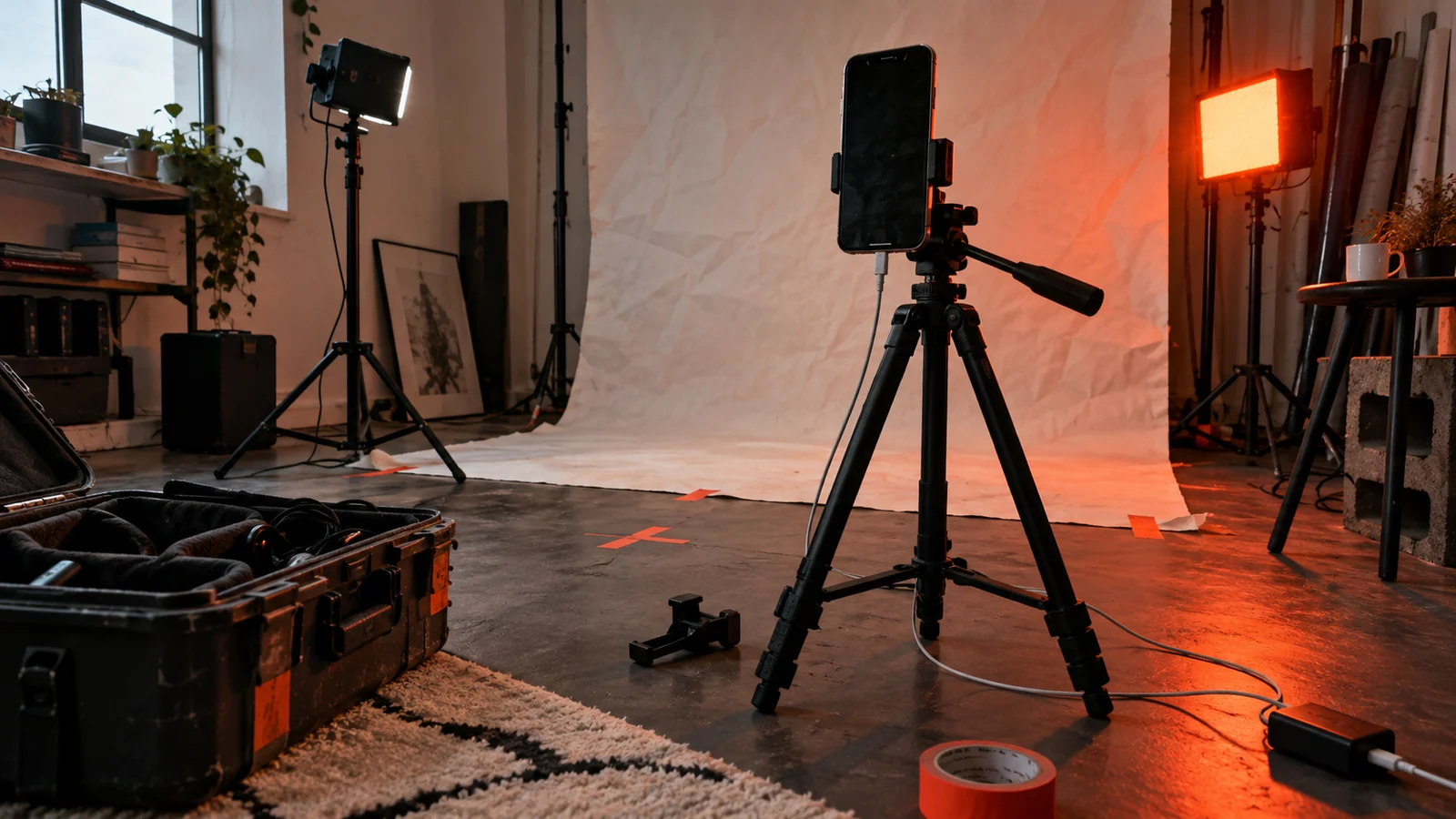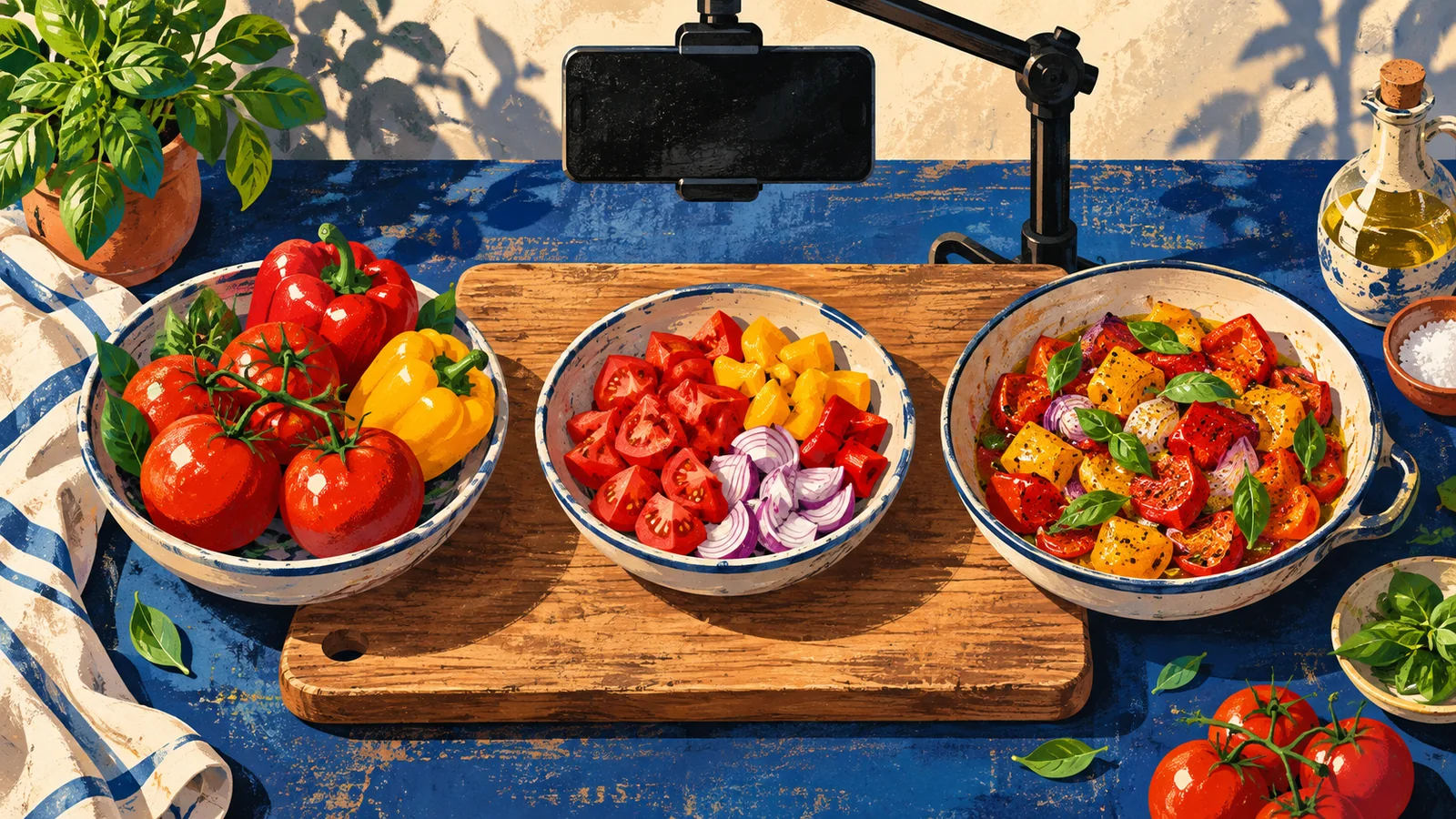
A 30-second tutorial does not need thirty seconds of different pictures. It needs enough visual evidence for a viewer to reproduce one useful result. Plan backward from that result, identify the decisions that cannot be inferred, and spend your limited coverage on those moments.
The deliverable from this guide is a compact proof-shot plan. It is not a generic list of wides, mediums and close-ups; every shot is tied to a step, a continuity state and a place in the edit.
Define the smallest honest outcome
Write one sentence that a viewer should be able to complete after watching:
After this video, the viewer can ___ using ___ and can recognize success when ___.
“Learn coffee” is too broad. “Fold a paper filter so it sits flat in a size-two dripper” is filmable. A narrow outcome leaves time to show the starting state, the decisive action and the finished check. If the tutorial requires several branches, prerequisites or safety qualifications, thirty seconds may be the wrong container. Narrow the lesson or link to a complete guide rather than hiding necessary steps.
List what the audience must already know. Do not use the opening seconds to teach a prerequisite that belongs in another tutorial. State it in the description or make it the previous episode.
Build the timing spine before the shot list
Draft the spoken lines, caption meaning and necessary pauses first. Read them naturally while performing the real task. Mark the moments where a picture must answer a question.
| Beat | Viewer question | Evidence required | Planned treatment |
|---|---|---|---|
| Result preview | Why should I watch? | Finished, representative outcome | Brief reveal without hiding flaws |
| Setup | What am I using? | Identifiable tool and starting state | Stable contextual view |
| Critical action | Exactly what changes? | Contact point, direction and amount | Detail angle held through completion |
| Check | How do I know it worked? | Observable final state | Matched comparison or functional test |
Do not assign arbitrary seconds to each row and force the action to fit. Record the real performance, then compress only repetition and waiting. If the critical move takes six seconds to understand, let it take six seconds and remove a decorative reveal.
Rank steps by inference risk
Give every action one of three labels:
- Must see: direction, placement, quantity or state would be ambiguous from words alone.
- Can hear or read: the image already provides context and narration or captions can carry the detail.
- Can omit: the action is routine, duplicated or irrelevant to the promised result.
This ranking decides the B-roll budget. “Pick up the screwdriver” may be omitted; where the screwdriver enters the housing may need a detail shot. The point is not to show hands moving. It is to show the information that prevents a wrong attempt.
Adobe defines B-roll as material that supplements the main footage and can establish a scene, smooth a transition or add meaning. For a short tutorial, “add meaning” is the priority. Transition coverage is valuable only after the instructional evidence exists.
Write a proof-shot card
Create one card per must-see step:
| Field | Example |
|---|---|
| Step | Seat the cable in the rear channel |
| Starting state | Channel empty; connector already attached |
| Critical detail | Cable passes under both retaining tabs |
| End state | Cable lies flat and does not cross the hinge |
| Angle | Three-quarter detail from hinge side |
| Continuity lock | Connector points left; lid at 90 degrees |
| Spoken phrase | “Route it under both tabs” |
| Pickup trigger | Either tab is hidden by the hand |
The starting and end states matter as much as the movement. Without them, an editor can make a correct action look backward or join shots from incompatible attempts.
Use shot identifiers on the slate or in spoken room tone. A filename alone will not tell a future editor whether a clip is the real successful take, a reset, a rehearsal or an insert made after the task was complete.
Choose angles by obstruction
Place the camera where the deciding evidence remains visible during the action. Ask what the hand, tool or ingredient is likely to cover.
- Use a contextual angle when spatial relationships matter.
- Use an oblique detail when depth or insertion matters.
- Use overhead when order and relative position matter.
- Use a side view when thickness, height or alignment matters.
- Add a matched final-state shot when success must be compared with the beginning.
Do not collect every angle for every step. Multiple cameras can create synchronization and continuity work without adding information. One unobstructed master plus selected proof inserts is often enough.
Before the real take, rehearse only the blocking. Watch for focus hunting, exposure changes, reflective screens, rolling-shutter flicker and hands covering the evidence. Then reset the task completely and record the usable version.
Protect continuity before resetting
At the end of each successful step, hold the finished state and capture a reference still. Note the position of objects, settings, fill levels, screen state and hand orientation. Do this before taking anything apart for a close-up.
If a pickup recreates a previous moment, match the state that affects meaning. A screw shown fully tightened in one angle and loose in the next is not merely a visual blemish; it can reverse the instruction. When an exact recreation is impossible, use a diagram, labeled still or a clearly separate recap instead of manufacturing false continuity.
Capture useful edit handles: a stable moment before contact, the complete action, and a stable moment after. Cutting into a hand already in motion makes orientation harder, while ending before the outcome removes the viewer’s confirmation.
Plan audio and captions with the pictures
Decide which information belongs in narration, captions, natural sound and editorial labels. Do not make all four repeat the same sentence.
Natural sound can confirm contact, locking, cutting or a change in texture. Preserve it when it teaches. Lower or remove it when it masks speech. Captions must carry the speech and meaningful non-speech audio needed for understanding; a large step label is not a replacement for captions.
W3C guidance also recommends making important visual information available to people who cannot see it. Script “slide the narrow tab beneath the metal lip” instead of “do this,” assuming that description matches the real action. The B-roll then reinforces the instruction rather than carrying it alone.
Leave space in the composition for captions and current destination controls. Verify this in a real preview because app overlays change. The proof object, fingertip and label should not all compete for the same bottom portion of a vertical frame.
Shoot in evidence order
An efficient order for a repeatable task is:
- Record the complete master performance.
- Confirm that the outcome is correct.
- Capture must-see detail inserts while continuity is intact.
- Capture the starting and final comparison under matched conditions.
- Record tool, material and orientation shots only if the timing spine requires them.
- Review the proof-shot cards before breaking the set.
This order protects the tutorial from a common failure: a day of polished inserts with no complete, correct performance to anchor them. The master is also the reference for honest chronology.
For irreversible, hazardous or costly actions, do not repeat a step solely for coverage. Add a second camera before the action, use a qualified demonstrator, or choose a format that can explain the step without reenactment.
Assemble a proof cut first
Ignore music, transitions and decorative cutaways. Place the spoken spine and only the shots required to answer the marked viewer questions. Watch at normal speed and ask:
- Is the tool or material identified before it is used?
- Is the critical contact point visible?
- Does every time jump preserve cause and effect?
- Can the viewer recognize the end state?
- Does the final result come from the filmed process?
Only after this cut works should you add orientation or transition material. Each addition must fit without shortening a more important proof shot below comprehension.
Do not accelerate a decisive action until direction or sequence becomes unreadable. A speed change should be disclosed when it materially changes how the real task appears. Waiting can be compressed with an explicit time marker; it should not disappear.
Run the unfamiliar-viewer test
Show the video without a title or explanation to someone who did not attend the shoot. Ask them to describe the starting state, action and success check. Then ask which step they would be least confident attempting.
Repair that step with the smallest intervention: a clearer insert, a more precise spoken phrase, a longer hold or a narrower promise. Do not add a rapid recap of the whole process when one missing relationship caused the uncertainty.
Repeat the test muted with captions, then on a normal phone-sized preview with destination overlays. A tutorial that works only on the editing monitor is not finished.
Release gate
Publish only when all of these are true:
- the tutorial promises one result that fits the format without hiding a required branch;
- every must-see action has a proof-shot card and unobstructed coverage;
- starting state, critical action and end state form a truthful sequence;
- pickups and resets do not create false continuity;
- narration and captions carry essential information that is visual-only;
- the proof cut works before music and decorative coverage;
- an unfamiliar viewer can identify the action and the success condition.
Thirty seconds is a constraint on scope, not permission to remove the evidence. A smaller lesson shown completely is more useful than a larger process implied by montage.
Related resources
Sources and scope
- Adobe — What is B-roll footage and why is it important? — official product education; accessed 2026-09-14.
- W3C WAI — Audio Content and Video Content — primary accessibility guidance; accessed 2026-09-14.
- W3C WAI — Description of Visual Information — primary accessibility guidance; accessed 2026-09-14.
The timing spine, inference ranking and proof-shot cards are Angry Media editorial synthesis. Safety, permissions and technical settings must be verified for the actual task and destination. Source review completed 2026-09-14; scheduled publication 2026-10-21.